
Your phone contacts
shouldn't be forever
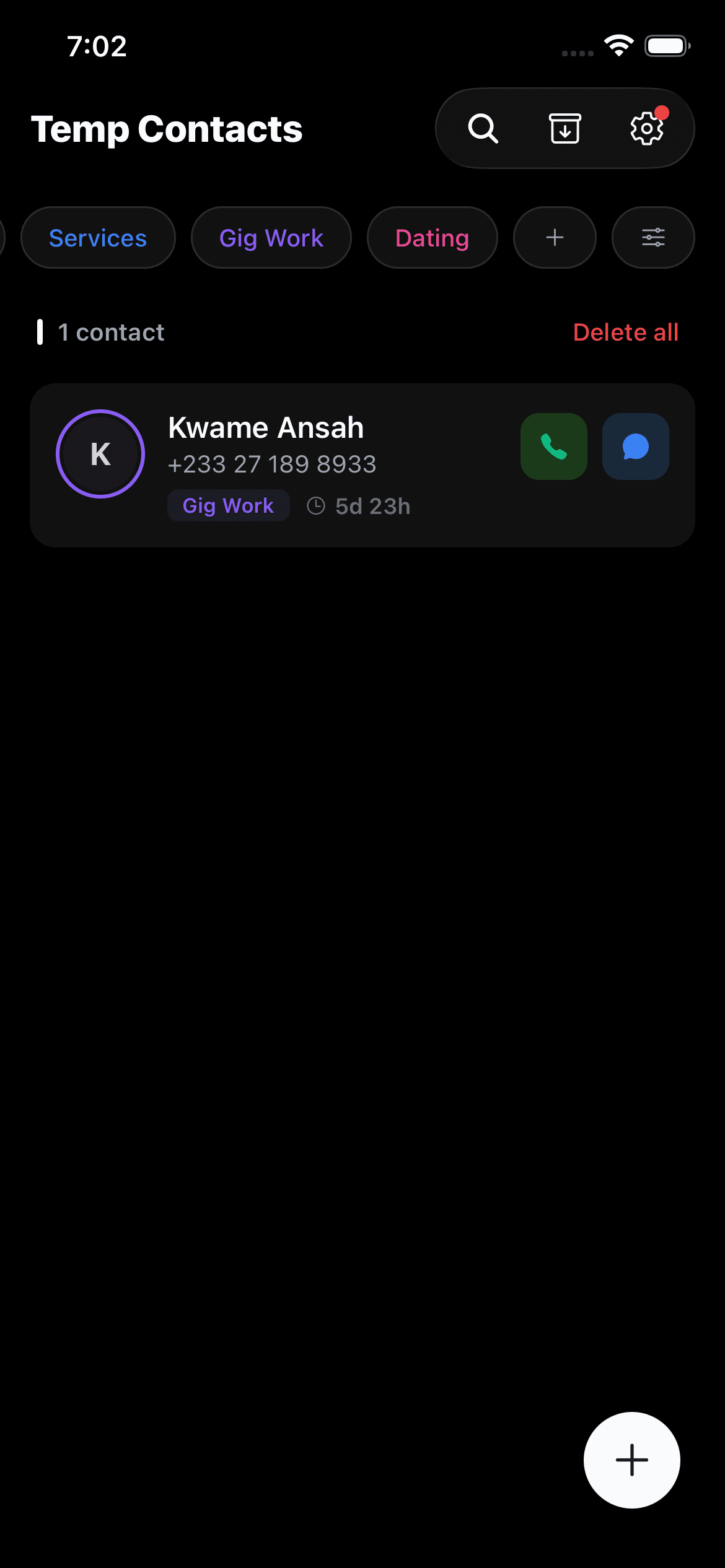
Temp Contacts lets you save numbers with an expiry timer. They auto-delete when time's up — and while they're active, you get Caller ID, labels, and everything you need to stay organized.

Features
Not just a timer.
A smarter way to manage contacts.
Expiry is just the beginning. Caller ID, labels, archiving, and more — built for people who collect numbers they only need temporarily.
Caller ID for temporary numbers
When a temporary contact calls you, you'll see their name, label, and expiry status — right on your lock screen. No more “who is this?” moments. You always know who's calling and why you have their number.
Expiry timer
Set a timer from hours to months when you save a contact. When it runs out, the contact auto-deletes.
Smart labels
Six default labels — Delivery, Events, Travel, Services, Gig Work, and Dating. Create custom labels with premium.
Call & message
Call and text directly from the app without saving to your phone book.
Archive, don't lose
Archive contacts before they expire. Retrieve them whenever you need.
Cloud sync
Sync across all your devices with premium. Switch phones seamlessly.
Extended expiry
Premium unlocks extended durations and custom expiry options.
Use cases
For every temporary connection
Six built-in labels for the most common scenarios — plus custom labels with premium
Delivery
Driver numbers that expire once your package arrives safely
Events
Conference and meetup contacts with a natural expiration date
Travel
Local contacts abroad that disappear when you fly home
Services
Plumber, electrician, moving company — gone after the job
Gig Work
Client contacts that auto-delete when the project wraps up
Dating
Keep numbers from dates without cluttering your contacts forever
How it works
Three steps. That's it.
Add with a timer
Save a number, pick a label, set how long you need it — hours, days, or months.
Use it normally
Call, text, and identify incoming calls directly from the app. It just works.
It disappears
When the timer runs out, the contact is gone. Your address book stays clean.
FAQ
Frequently asked questions
Everything you need to know about Temp Contacts
Stop hoarding numbers
you'll never call again
Temp Contacts keeps your address book clean by automatically removing numbers you no longer need. Free to use, no account required.